An AI assistant that does the work
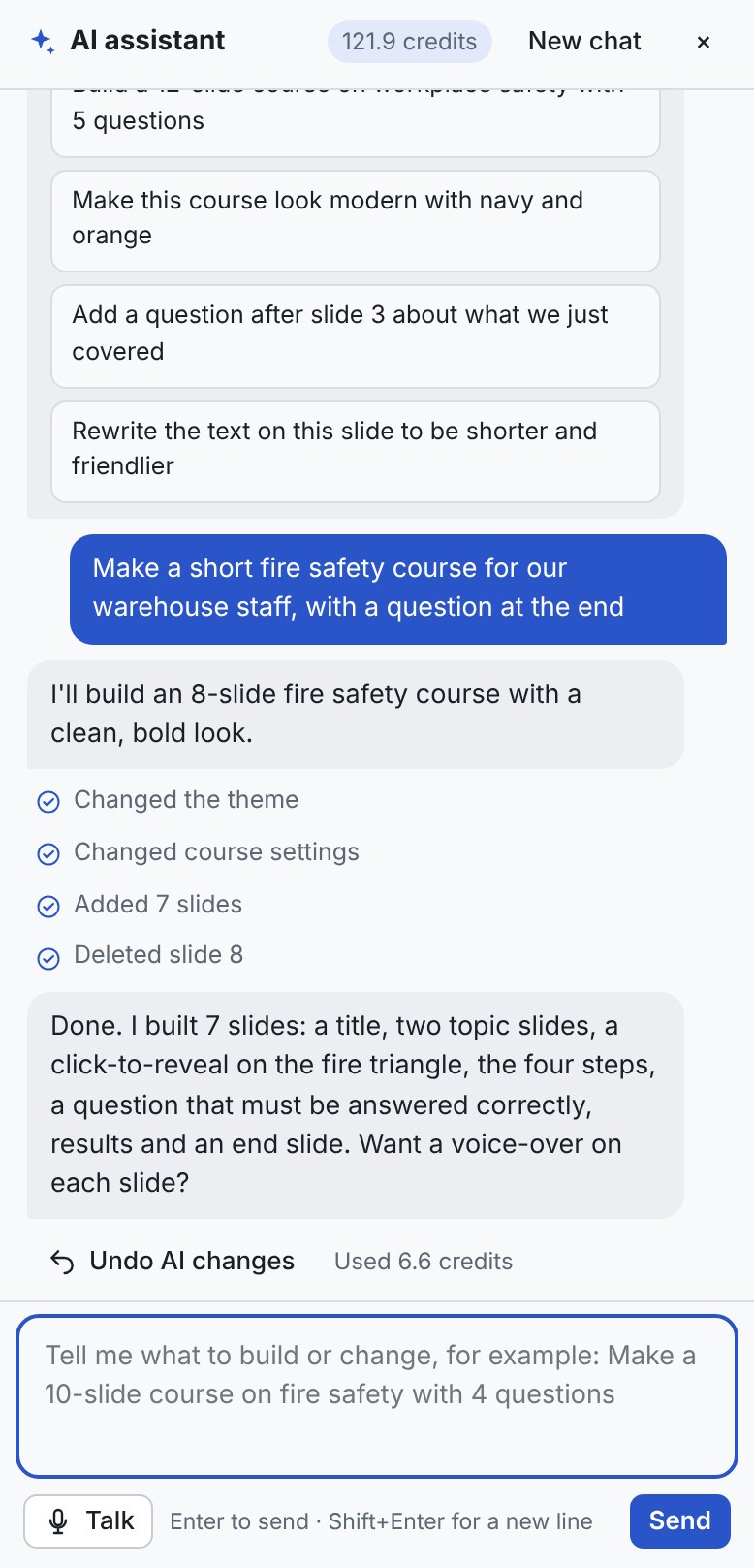
Ask for a whole course or a small change. It builds real, editable slides, questions and themes, and one click undoes anything you don’t like.
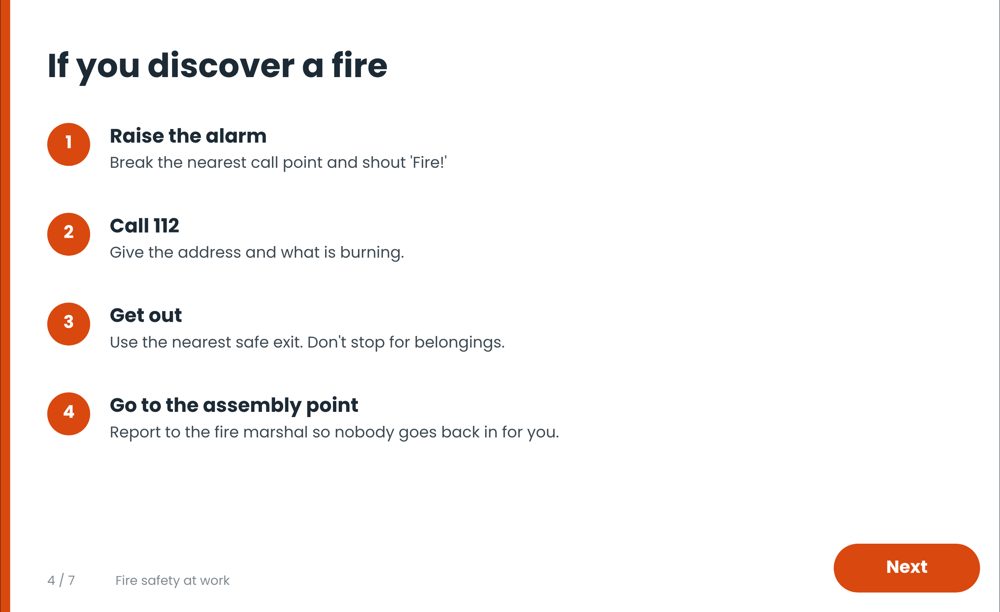
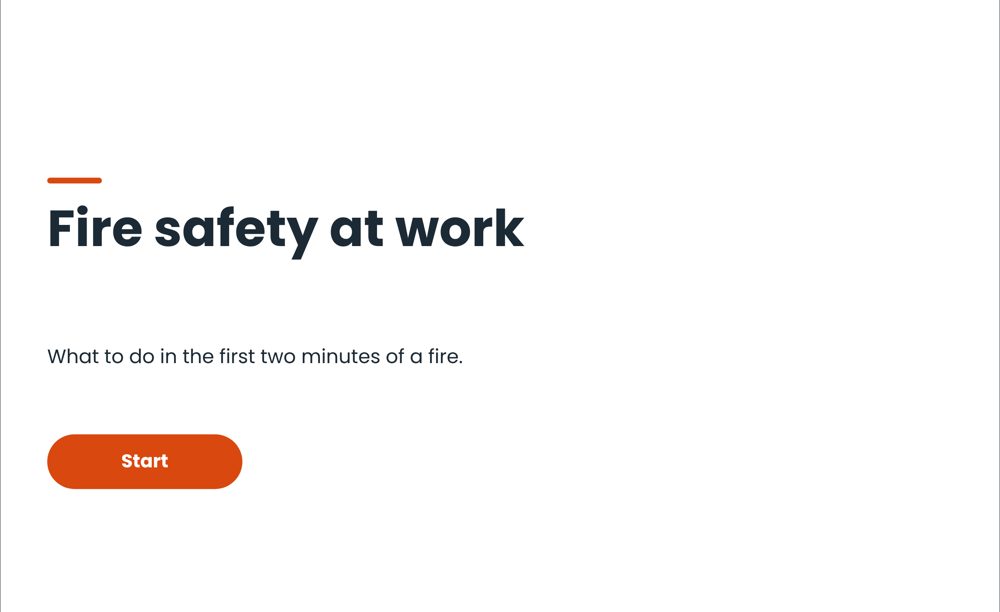
Tell iLearn Studio what your learners need to know. It writes the slides, the quiz and the voice-over, in your brand, ready for your LMS.
For Windows 10 and 11 · Exports SCORM 1.2 and 2004
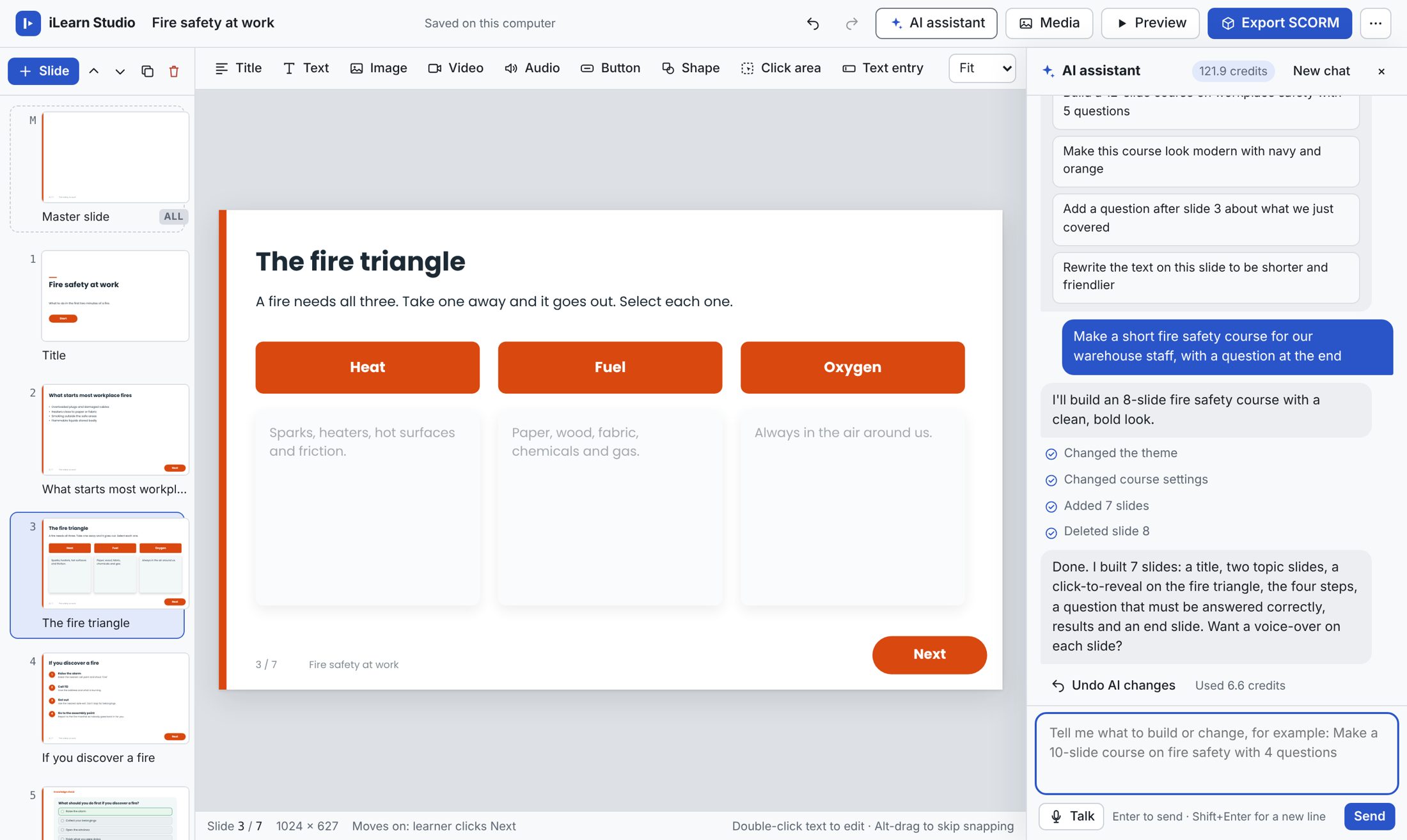
Everything a course needs, from the first slide to the final score, in one quiet, fast app.
Ask for a whole course or a small change. It builds real, editable slides, questions and themes, and one click undoes anything you don’t like.
Click Talk and brief it like a designer. It answers out loud and keeps listening.
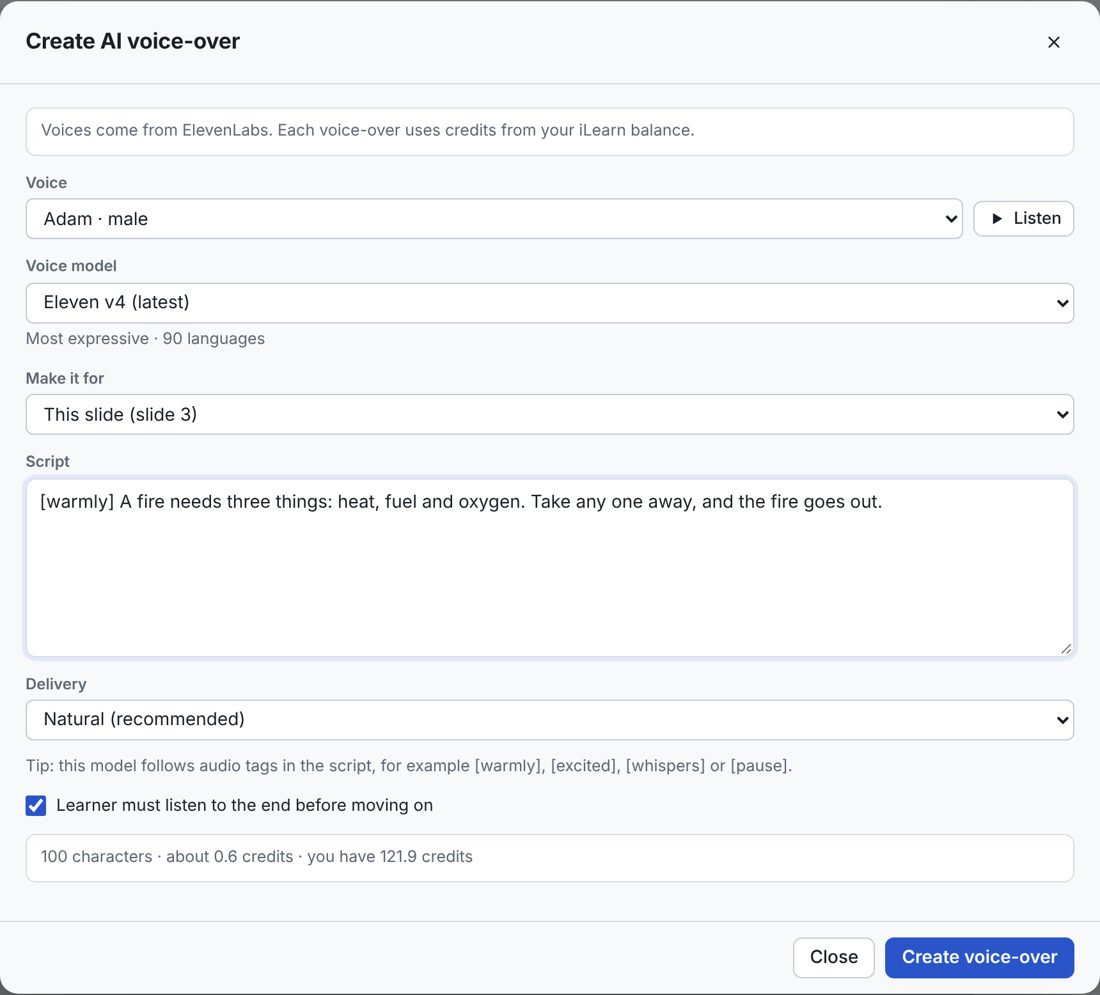
Paste a script, choose a voice, and the voice-over lands on the slide. Uses ElevenLabs’ newest models, with direction like [warmly] or [pause].
Your colours, fonts and logo, with a master slide for footers. Presenter video layouts that wait for the video to finish.
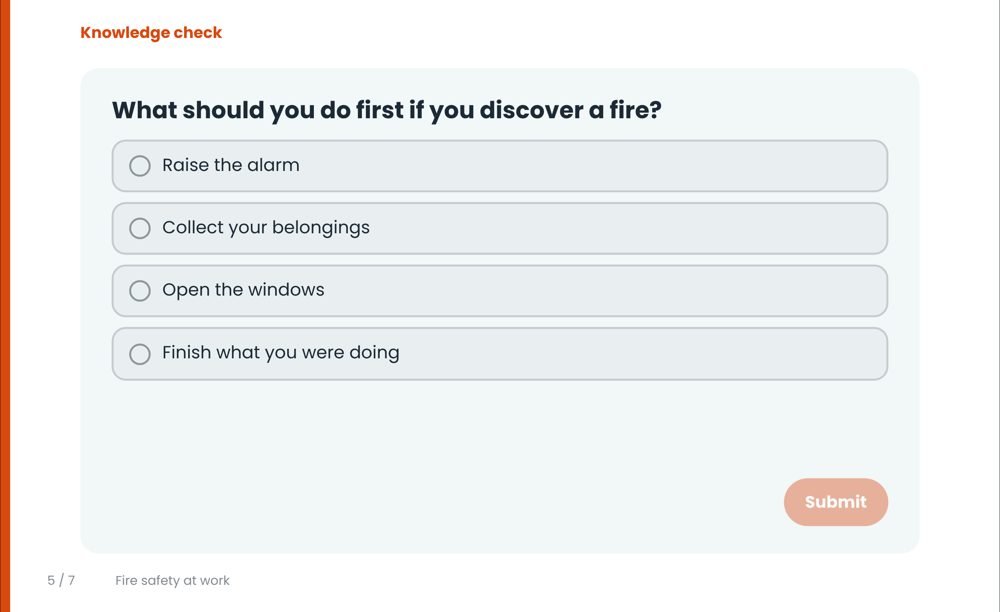
Pass marks, retries and “try again until correct”, all reported to your LMS.
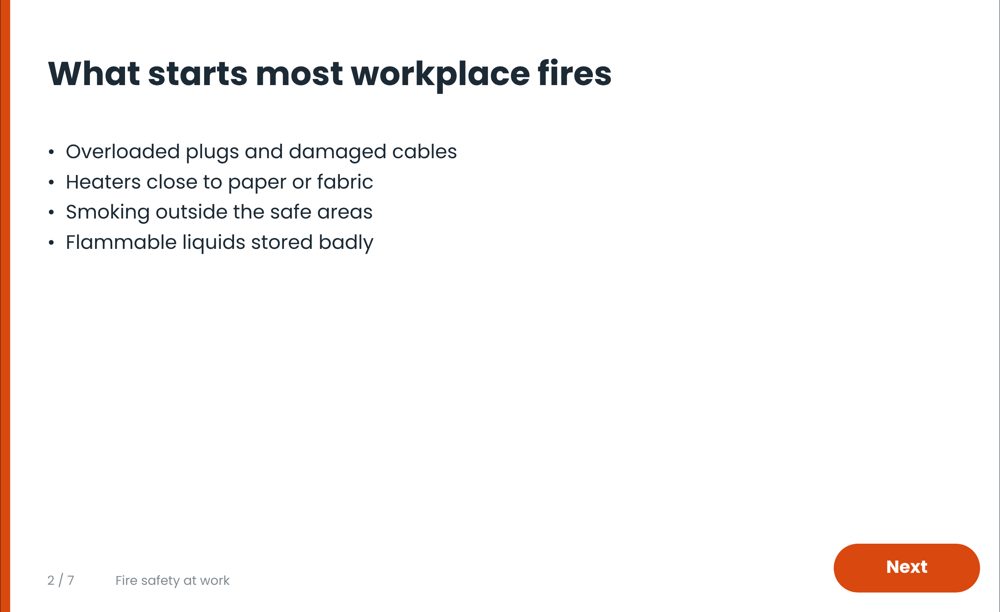
Import PowerPoint decks and published Captivate courses, then keep editing.
New versions install themselves when it suits you.
Everything included, one monthly price. No contract: cancel anytime from your account and keep access until the end of the month you paid for.
Every account starts with 50 free credits. A whole course from a brief uses about 20 to 60; a voice-over about one or two per slide.
A Windows 10 or 11 PC, a Mac (macOS 11 or later, Apple chip or Intel) or a 64-bit Linux computer, and internet to sign in. It then works offline for up to 14 days at a time; the AI features need internet.
It exports standard SCORM 1.2 and 2004 packages, which Moodle, TalentLMS, Docebo, Cornerstone, SAP SuccessFactors and most learning systems accept.
Subscribe and pay with PayFast. As soon as the payment is confirmed, usually within a minute, your account page shows the download button. PayFast then charges R500 each month until you cancel.
Yes, each licence covers two. Changing computers? Sign out on the old one, or ask us to free it up.
Yes. Cancel from your account page and nothing more is charged. You keep using iLearn Studio until the end of the month you paid for. Your projects stay on your computer, and courses already in your LMS keep working.
No. They open the course in your LMS in any modern browser, on a computer, tablet or phone.
Subscribe, download, and describe your first course. Cancel anytime.